Free · Windows 10/11
Download FC-Tracker
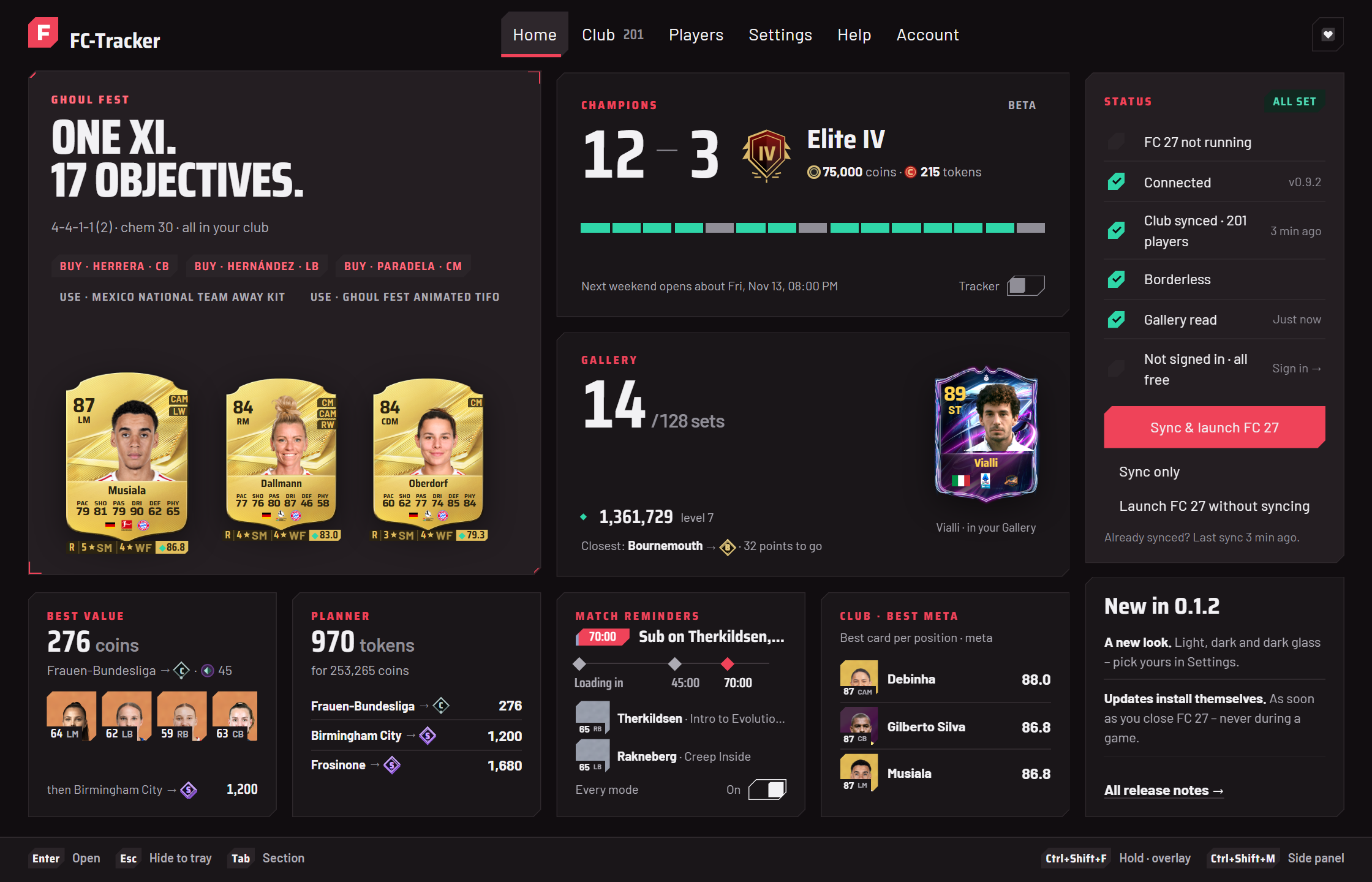
Gallery scores, first owner and the best swaps – and your Champions weekend, tracked by itself. Live on top of FC 27.
Scanned by VirusTotalMicrosoft Defender, Kaspersky, Bitdefender, ESET and 65 more: clean · 2 of 71 flagged it (machine-learning guesses, common for new programs) · full report ↗Also needed for the club sync:Add to ChromeNewest v0.14.1 (.zip) 222 KBIn review at the Chrome Web Store – get it here now · Same .zip on GitHub
WindowsWindows 10/11 · 64-bit
No admin rights needed.
FC 27PC · Borderless
FC-Tracker can switch the display mode for you.
BrowserChrome or Edge
For the club sync in the EA Web App.
SHA-256
FC-Tracker-Installer.exe66c13e8bedb32906388e735c3b1b2179e719cad23fe42aecc75cd8c7977b5440
Install the newest extension yourself (while the Chrome Web Store reviews it)
- Download the extension .zip and unzip it into a folder you keep.
- Open chrome://extensions and switch on Developer mode (top right).
- Turn off an older FC-Tracker extension, if you have one.
- Click “Load unpacked” and choose the folder.
- Click the FC-Tracker icon: “Open FC-Tracker Web” – or connect it to the app with the code.
Source on GitHub · Unofficial fan tool – not affiliated with EA. Use at your own risk. Terms, disclaimer & privacy